Does WeddX work with the free version of DaVinci Resolve?
Yes. WeddX for Resolve works with DaVinci Resolve 21, free or Studio. We test it on the free Resolve 21.2.
What does WeddX do in Resolve, and what’s still Premiere-only?
In Resolve, WeddX sorts the wedding into bins and builds your highlight or the full film on a Resolve timeline, frame for frame: the vow and speech lines with the music dipping under them, titles, black and white, stabilizing, beat and B-roll markers, selects, and WeddX’s looks as its own LUTs in Resolve. Still only in Premiere, for now: Review, Share a clip, white flashes, Super 8 burns, razor cuts on the beat (in Resolve the beats are markers) and vertical reframing.
Does WeddX for Resolve run on Mac and Windows?
Mac first: it runs on macOS now. Windows is coming soon.
Is it the same plan as the Premiere version? Can I use both?
Yes and yes. One account and one plan: sign in to WeddX for Resolve with the email your plan is on and your hours are the same ones you use in Premiere. Cut in Premiere one day and in Resolve the next. The $1 trial covers both.
How do I start WeddX in Resolve?
Open WeddX for Resolve, then in DaVinci Resolve click Workspace › Scripts › PxlSafe, once each time you open Resolve. Install WeddX in DaVinci Resolve.
Is there a wedding video editor plugin for Premiere that edits the film for me?
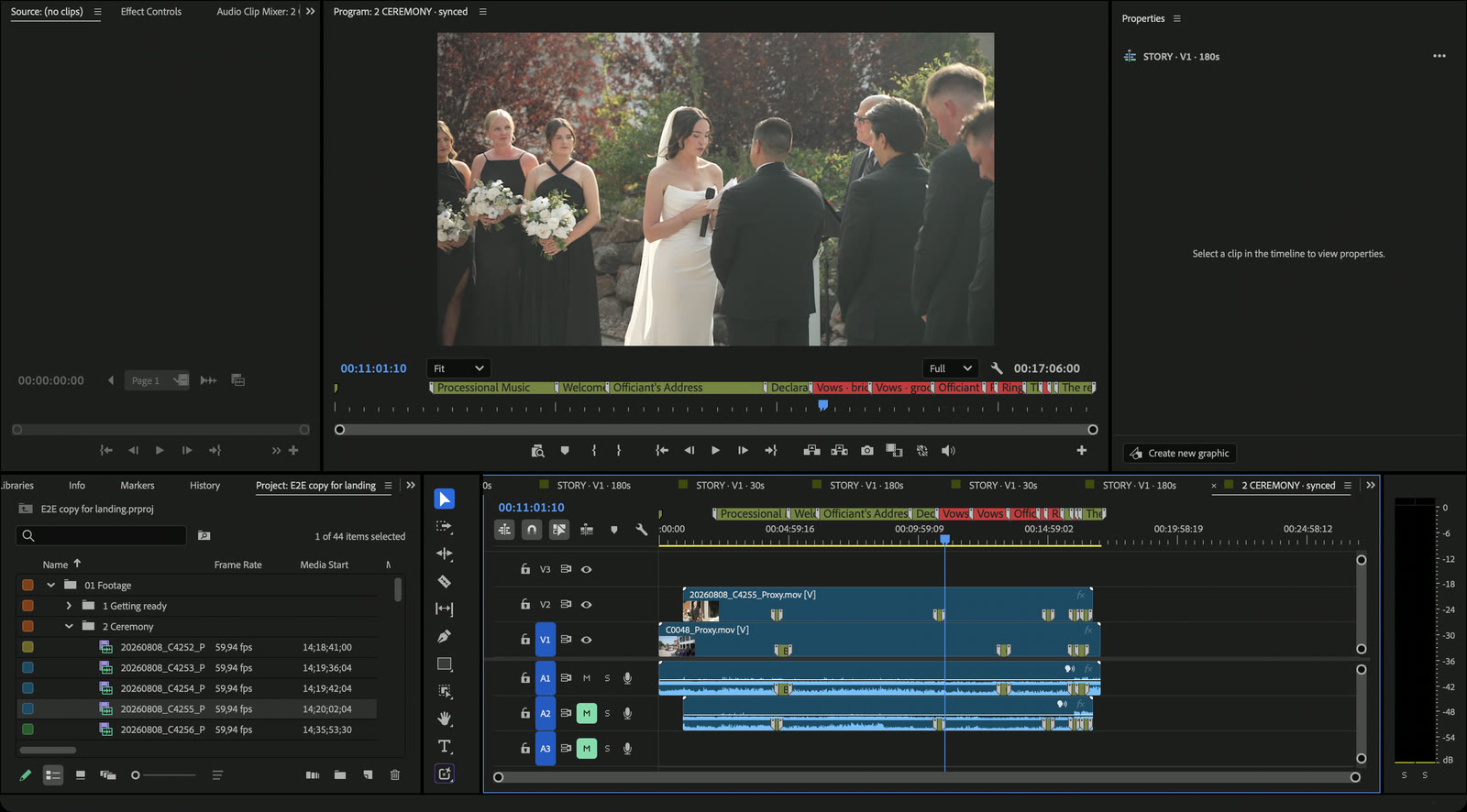
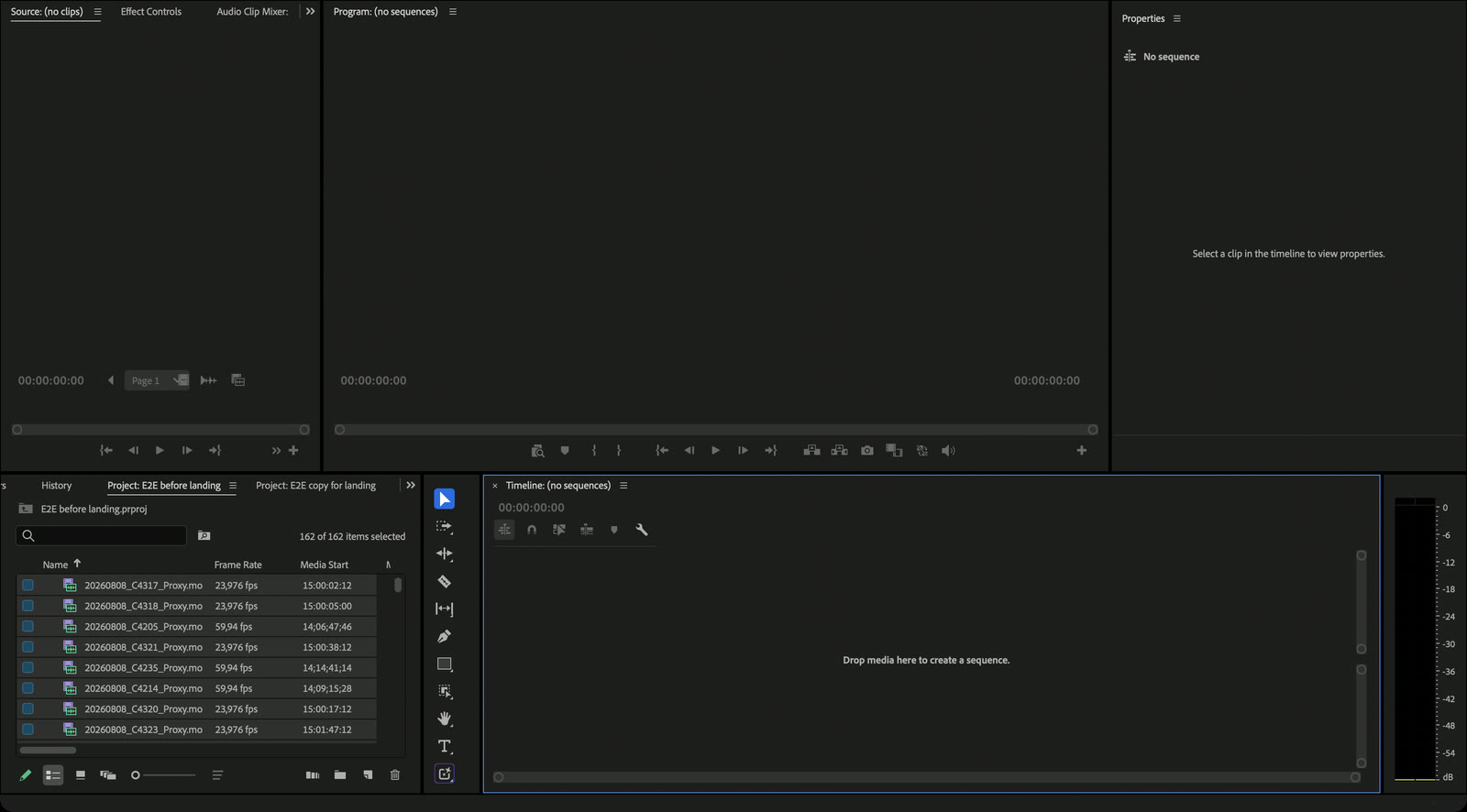
Yes, that’s WeddX: a wedding video editor plugin for Premiere. Drop in the whole day’s footage and it preps it: every clip sorted into bins by part of the day, from getting ready to the party, the ceremony and speeches synced by sound, the vows and toasts marked and the best moments labeled as keepers. WeddX Search finds any moment, or anything said in the vows and speeches. Then it builds the first cut of your highlight film on the beat of your song, or of a song WeddX writes for it, with the clearest vow and speech lines heard over the music. It all lands as normal Premiere sequences that you review and finish. Separate apps such as Wedit build the film outside Premiere and export a timeline: see WeddX vs Wedit.
Is this a finished film or a starting cut?
A starting cut that you review and finish. WeddX builds a normal Premiere sequence: trim, reorder, replace shots, and change the look as you like. Your original clips are not overwritten.
Can WeddX build the full wedding film, not just a highlight?
It lays out everything you need for it. Prep gives you every part of the day as its own sequence in filming order, the whole ceremony and every speech synced by sound with the vows and toasts marked, and 00 THE DAY: the whole day in one sequence with chapter markers. You cut the full film from there, in your own style. Nothing is deleted or trimmed.
Does WeddX sync my cameras and audio recorder?
Yes, and you don’t need a recorder. Prep syncs the ceremony and the speeches by sound, each camera on its own track: two or more cameras line up with each other even without a separate audio recorder. With a recorder or DJ audio, it goes on A1, so vows and speeches play on one continuous audio take. A take that doesn’t sync is labeled red and listed, never placed by guess. Choosing the angles stays with you.
Does WeddX cut to the music?
Yes, when you cut a highlight. Prep needs no song. For the highlight, WeddX can compose a song for your film: written to the length of your cut in a cinematic or piano style, it builds with the day and hits on the kiss. It uses 10 minutes of your hours per minute of song, so 30 minutes for a 3:00 highlight. Songs WeddX composes are yours to use with that film: deliver them to your couple and post the film online. Or pick one of the built-in songs or import your own, several for a longer film. WeddX finds the beats and ends each shot on one, and the clearest vow and speech lines play over the music, which eases down while they speak and back up after.
Can WeddX find a moment or a line in my wedding footage?
Yes, with WeddX Search. Press ⌥ Space on a Mac, or the search icon in the WeddX panel on Mac and Windows, and type a moment, like first kiss or hairstyle, or anything said in the ceremony or a speech, word for word. Pick a result and the clip opens in Premiere right where it happens. Search works on a prepped wedding and uses no hours. Search is part of Pro and Studio, and the $1 trial includes it; on Starter, the Search card in the panel switches you to Pro on the spot. Starter customers from before November 8, 2026 keep Search until December 8, 2026, and lifetime licenses keep it.
What does WeddX upload?
A small copy of each clip, for analysis: 320 pixels wide, one frame a second, with low-quality mono sound. Your original files are never uploaded. Each copy is deleted as soon as its analysis is done, and any left over are cleared within 2 hours. The results (tags, a short description of each clip and the words of its best spoken line) stay on our servers. Sorting, syncing, laying out the day and building the cut run on your computer. Prep sends the ceremony and speech sound, as low-quality mono, to mark the vows and toasts and make their words searchable, and 9:16 reframing sends one still per shot to find the subject. Composing a song sends no footage or sound.
How long does WeddX take?
There’s no fixed time: it depends on how much footage you shot and in what format. The panel shows how long is left and emails you when a long job is done. Prep is safe to leave running, even overnight.
What uses my analysis hours?
The total length of footage WeddX watches and tags: in Prep, that’s only the Watch every clip step, 1 hour per hour of footage. A song WeddX composes for your film uses 10 minutes per minute of song. Sorting, syncing, laying out the day, Search, building the cut, color, transitions and titles do not count against the balance, and clips WeddX already watched don’t count again. Your plan adds its hours every month and unused hours roll over while you stay subscribed. Top-ups are $29.99 per 10 hours.
How do I share a preview with the couple?
Open Export in the ☰ menu and pick Web preview: WeddX renders a browser preview with a custom link. Your clients can leave notes pinned to the exact second. Preview links expire after 48 hours.
Will it work with my editing setup?
WeddX is an extension for recent versions of Adobe Premiere on macOS (Apple silicon and Intel) and Windows. You do not need After Effects. It reads MP4, MOV, MXF and other common video files; for camera RAW such as BRAW or R3D, it may ask you to create Premiere proxies first. Check your Premiere version with support before purchasing.
How does the trial work?
Start Starter monthly for $1 and you get 3 days and 10 hours of analysis. Your trial analyzes up to 300 clips with AI; your plan analyzes every clip. If a wedding has more, WeddX spreads the 300 over the whole day, still builds with every clip, and offers Start my plan now. Cancel before the trial ends and nothing more is charged. Otherwise your plan starts and its monthly hours are added. Change plans or cancel anytime from the billing link in the WeddX menu. Pro, the yearly plans and Studio (for teams of 3 to 5 editors) have no trial: you pay for them today, or start on Starter monthly first.
I bought a lifetime license. What changes?
Nothing. Your license, features, updates, and remaining hours stay yours.
What is the refund policy?
Within 7 days of purchase, refunds are available for failure to install or activate on a supported Premiere version, or a documented defect blocking Analyze/Build, after support has had a reasonable chance to help. Duplicate charges or a wrong product purchase are also covered. Creative preferences, change of mind, and workflow fit are not refundable. WeddX is not eligible for instant self-serve refunds. Contact support@pxlsafe.com for review and read the full current terms.
How is WeddX different from other AI wedding editors?
WeddX runs inside Premiere and builds the cut as a normal Premiere sequence. Some tools are separate apps that export a project to your editor, and some only grade color. Our AI wedding video editor guide compares them, with a source for every fact. There is also a side-by-side with Vowmatic.
What’s PxlSafe Dock?
A small toolbar for Premiere that comes free with every WeddX plan (it’s $39 on its own). One click each for adjustment layers, speed changes, cuts, fill or fit, titles, stills and freeze frames, and you pick which buttons it shows. Sign in with the same email as your WeddX plan. See it in action.
 pxlsafe