 pxlsafe
About PxlSafe
We make AI editing tools for Premiere Pro and After Effects.
PxlSafe makes extensions for editors who cut music videos, wedding films, talking-head reels and visual effects. Each one does the slow, repetitive part of the edit and leaves a normal timeline that you finish.
- Adobe Video Technology Partner
- Premiere Pro & After Effects
- macOS & Windows
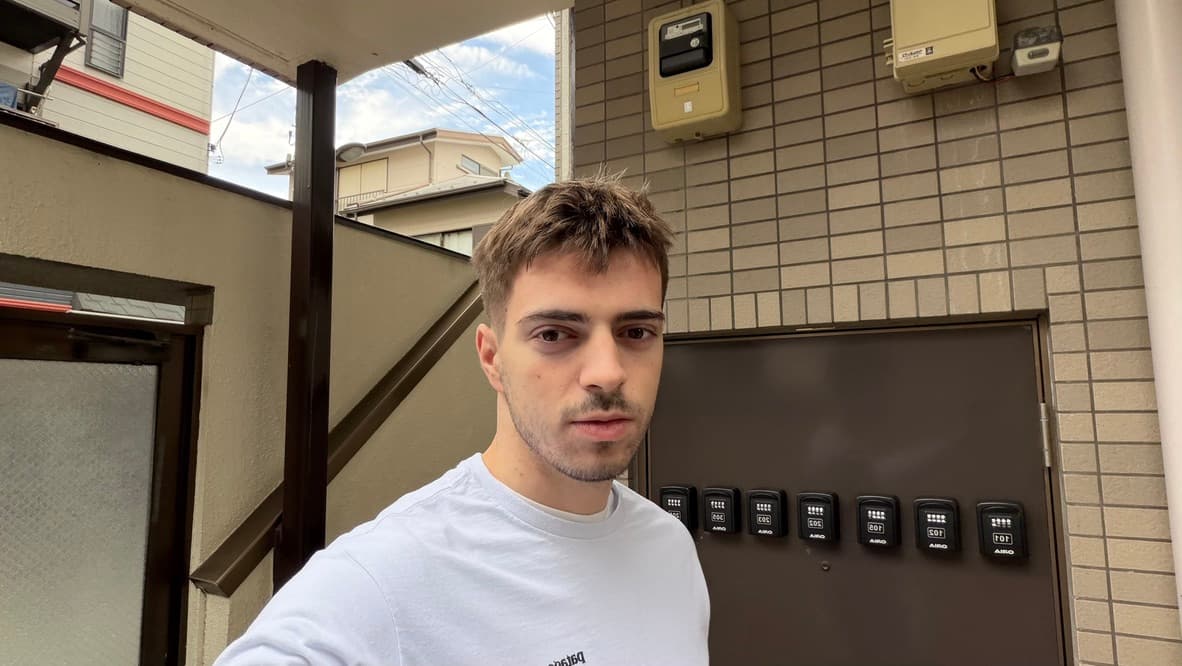
I’m Davud.
I build PxlSafe.
For three years I edited music videos for a living. I started making these tools to spend less time on the repetitive parts of editing.
My first product was MVX, a Premiere Pro plugin for music video editors. I knew the workflow. I didn’t know how to build software or sell it online, and that took about a year to figure out.
Today I work on making the tools more useful for the editors who rely on them. I write the guides and comparisons on this site, and when you email support, the team that builds the tools replies.
Davud, founder of PxlSafe
Five tools.
One for each kind of edit.
Each one runs inside Premiere Pro, on macOS and Windows. AutoVFX also runs in After Effects.
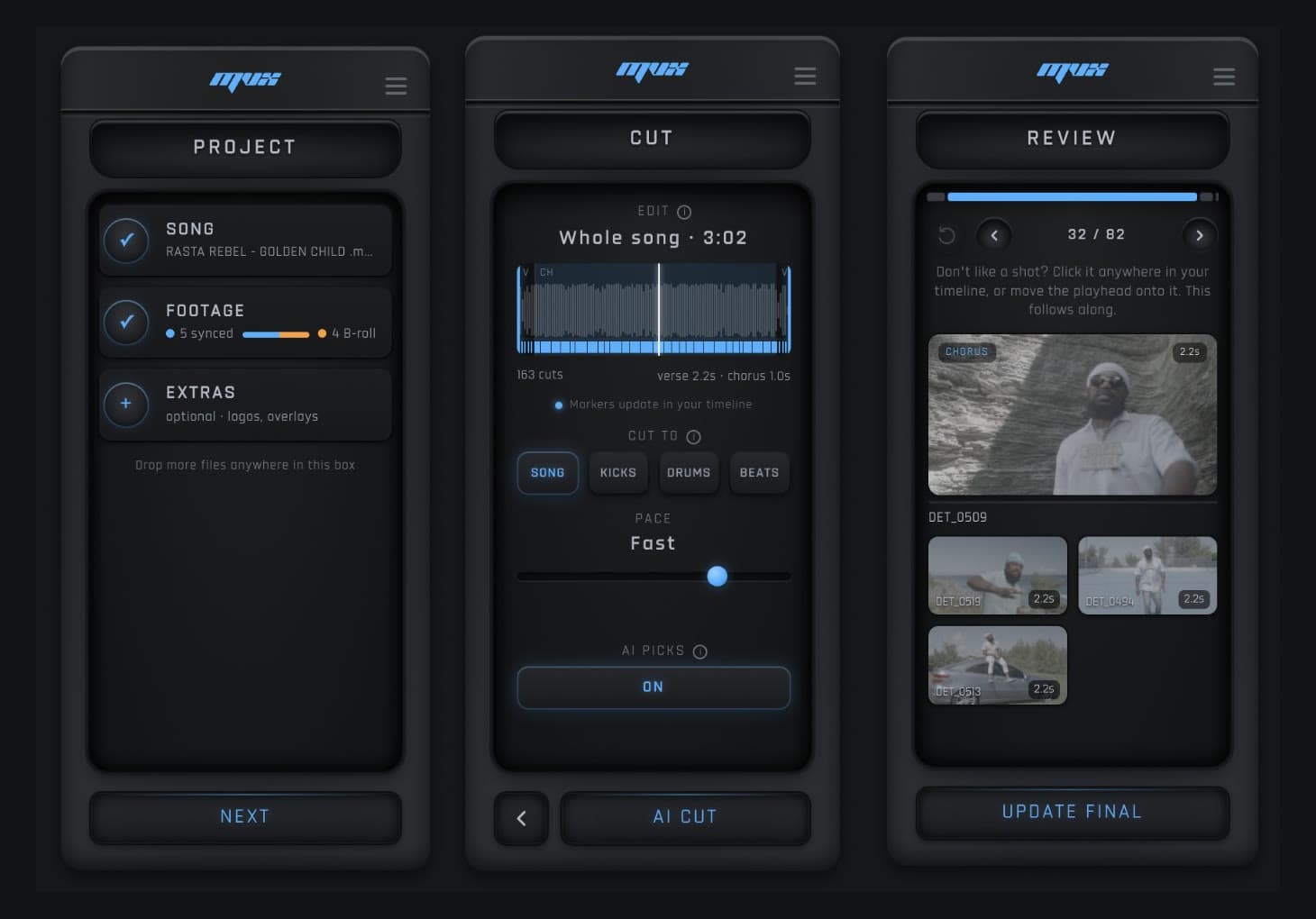
MVX AI
Drop in a song and the takes you shot. It picks the best shot for each cut, cuts on the beat and builds a Premiere timeline you can change.
See MVX AI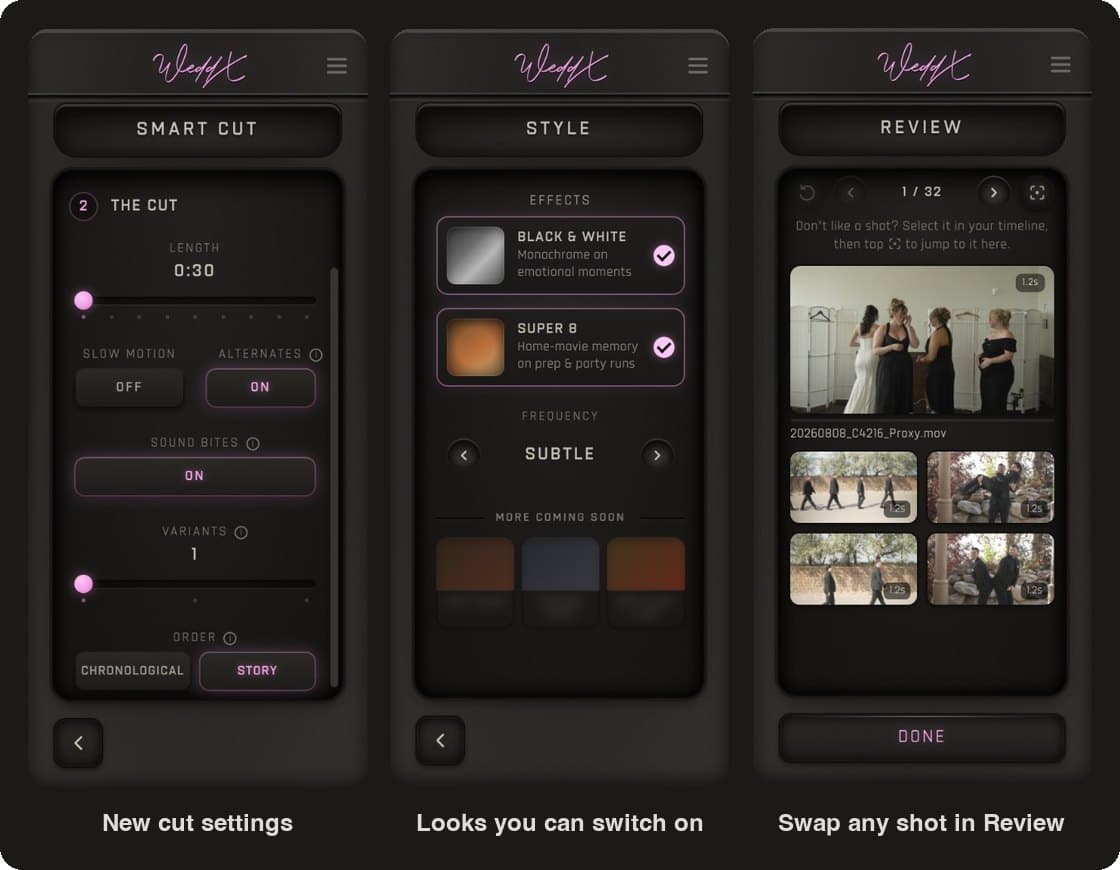
WeddX
Watches every clip of the wedding day, tags the ceremony, speeches and dance floor, and builds a first cut of the film at the length you choose.
See WeddX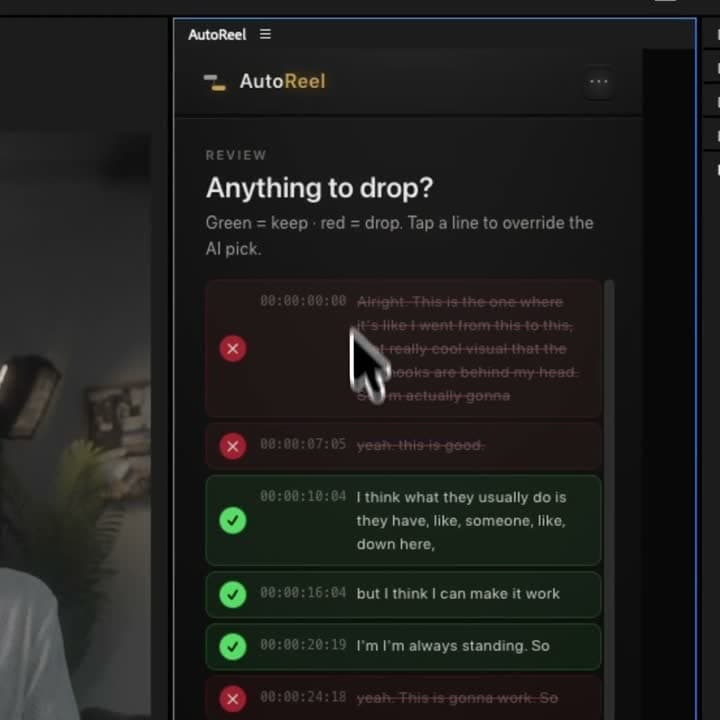
AutoReel
Edits talking-head footage into reels. It keeps your best take, cuts pauses and false starts, and adds captions, color and sound effects.
See AutoReel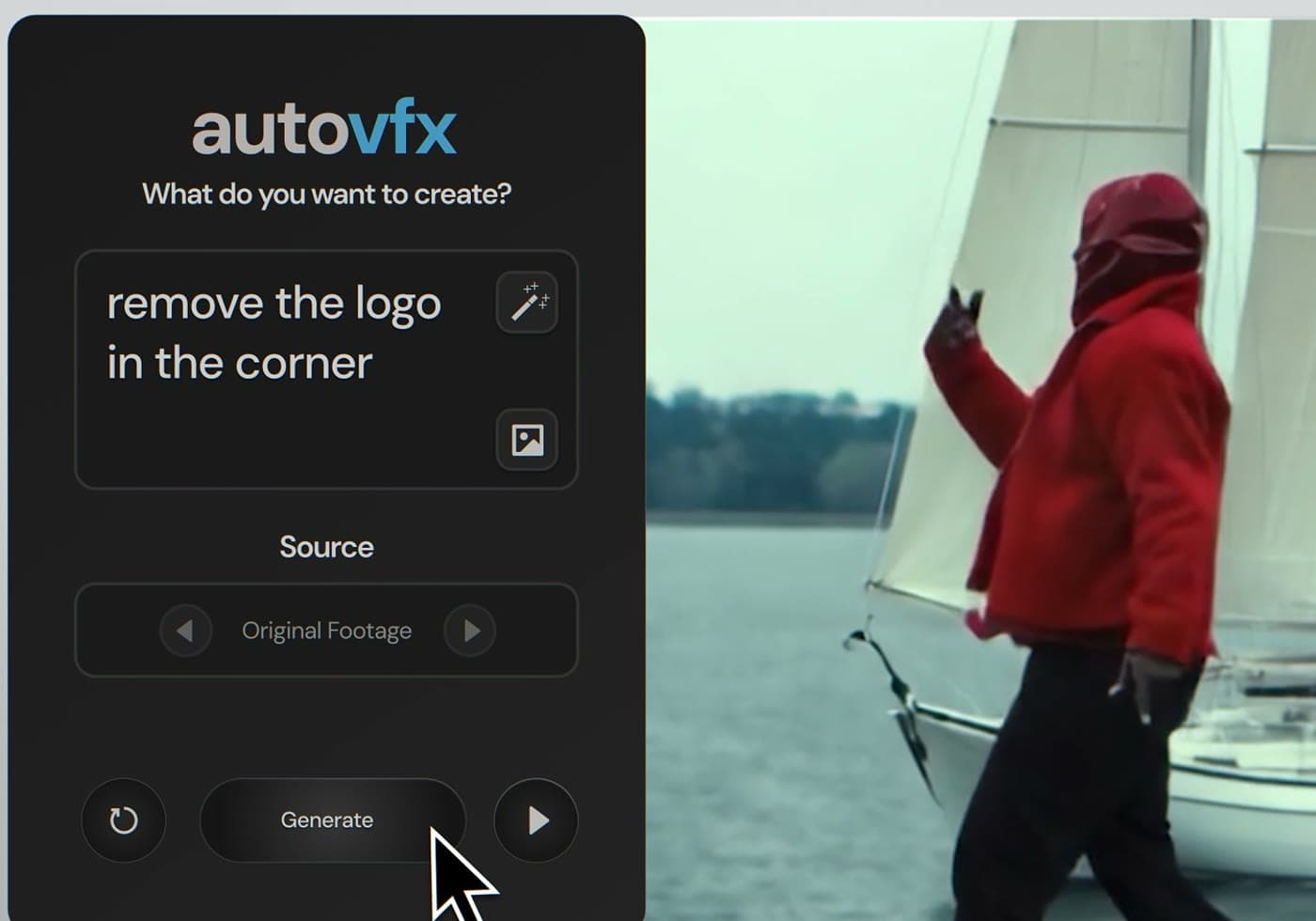
AutoVFX
Describe the change in a sentence: relight a shot, replace the background, add or remove an object. The result renders back to your timeline.
See AutoVFX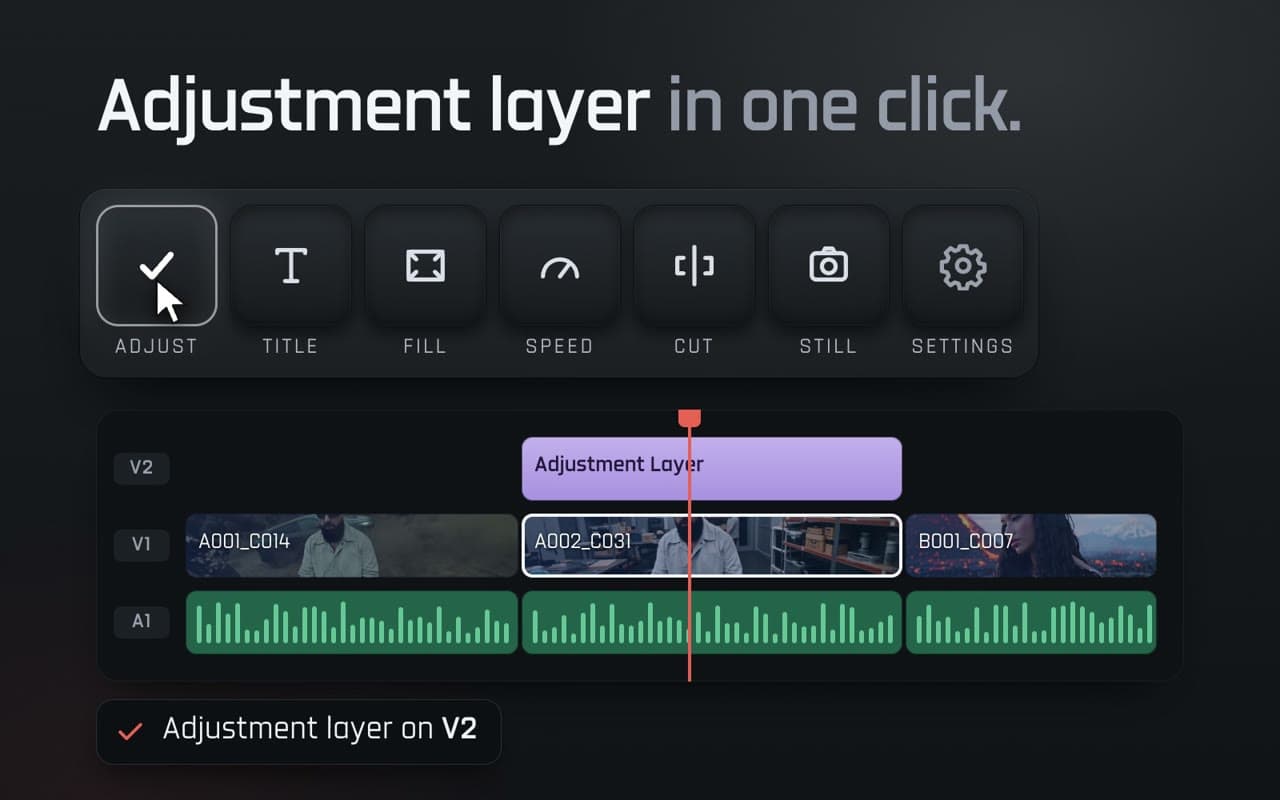
PxlSafe Dock
A one-click toolbar for Premiere Pro: adjustment layers, titles, speed, fill and fit, cuts, stills and freeze frames.
See PxlSafe DockYour edit stays yours
Results land on your timeline as normal, editable clips. Your original footage is never touched.
Try it on your own footage
MVX AI, WeddX, AutoVFX and AutoReel start with a 3-day trial for $1.
Cancel anytime
Cancel from the panel and you keep access until the end of the period you paid for.
What editors say.
Word for word, from reviews of our tools.
“I used to block two full days for every wedding film. With WeddX I drop the footage in and let it build the first cut. Paid for itself on the first job.”
 GabrielWedding filmmaker
“Honestly, a lot of music video editing plugins are kind of gimmicks. In my opinion, MVX works amazing.”
 Tiny TapesCreator & editor
“You can create almost everything you think of, without any effort.”
Talk to us.
Questions before you buy, help with a project, or billing.
Email support
Technical help, billing and questions before you buy. On weekdays we usually reply within a few hours.
support@pxlsafe.comOr use the contact formAsk Mia
Mia is our AI assistant. She answers questions about the products, licenses and getting started, and points you to support when she can’t help. She’s in the corner of every page.
Join the Discord
Share what you’re cutting, get help with the tools and see new features before anyone else. The PxlSafe Discord is free to join.
PxlSafe Editing CommunityAlready a customer? Installation & help · Restore a purchase · Manage your subscription · Refund requests